Control expression with your hand height.

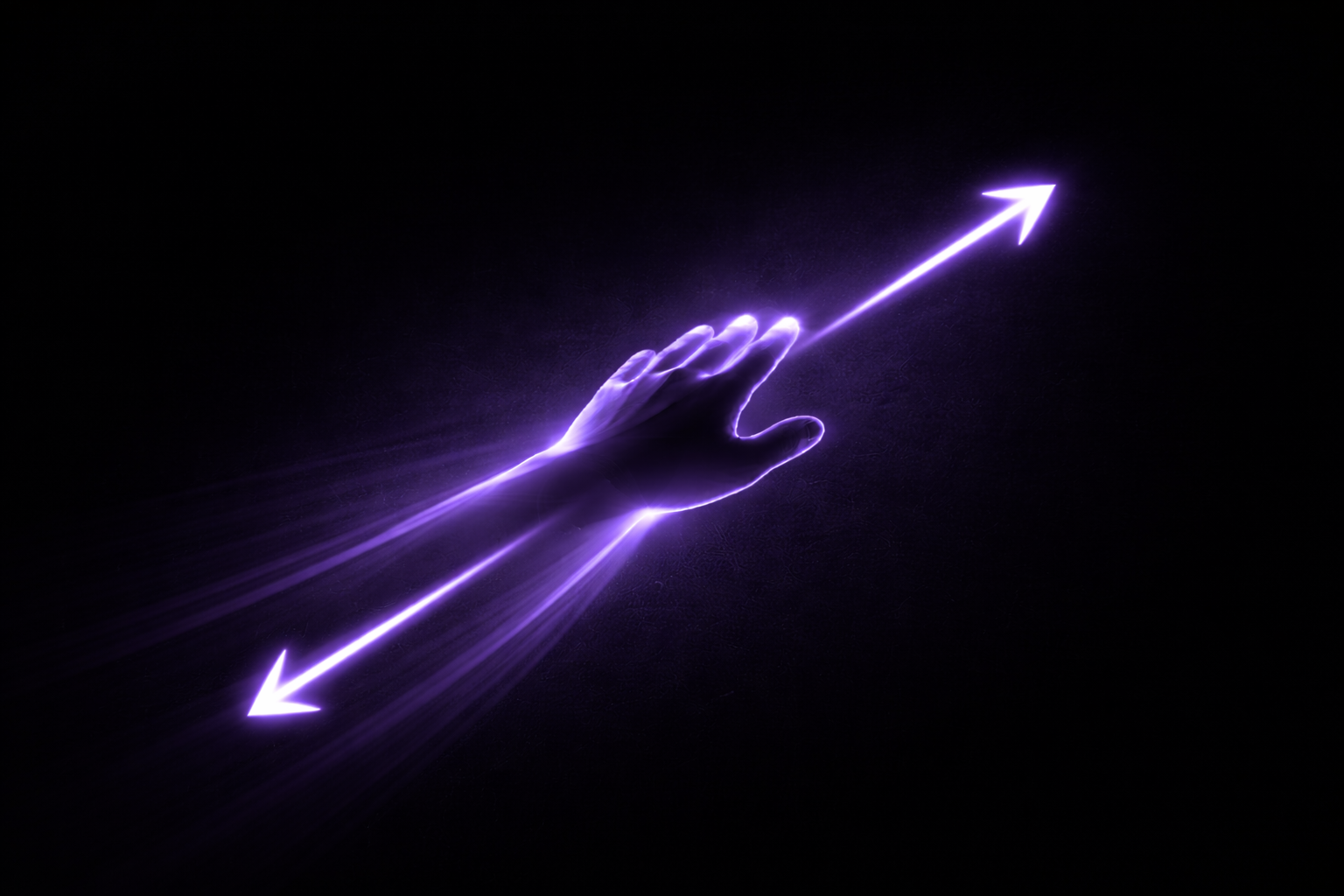
KAOS turns your hand's distance from the camera into MIDI CC — real time, sub-20ms latency, no hardware. Mount your webcam above your keyboard and play.

macOS 11+ · Apple Silicon · No account required

15
Capture FPS
15
Vision FPS
22.2
Latency MS
91
CC 11
0
0127
MIDI Output
MIDI Active
Hand
AnyLeftRight
CC Number11 — Expression
Rate limit
3060120Hz
Calibration
✓ Calibrated MIN 0.0161 MAX 0.0528
↕ Set MIN
hand far away
↕ Set MAX
hand close
Reset calibration
Shaping
Invert: Off
Curve: On
Smoothing1.0 Hz
0.1 (smooth)8 (raw)
Speed (β)0.40
0 (steady)2 (fast)
Deadzone1
0 (all)5 (coarse)
Pitch Bend ← Hand Left / Right →
Pitch Bend: Off
Hand with MediaPipe skeleton landmarks tracking over a MIDI keyboard in a music production studio

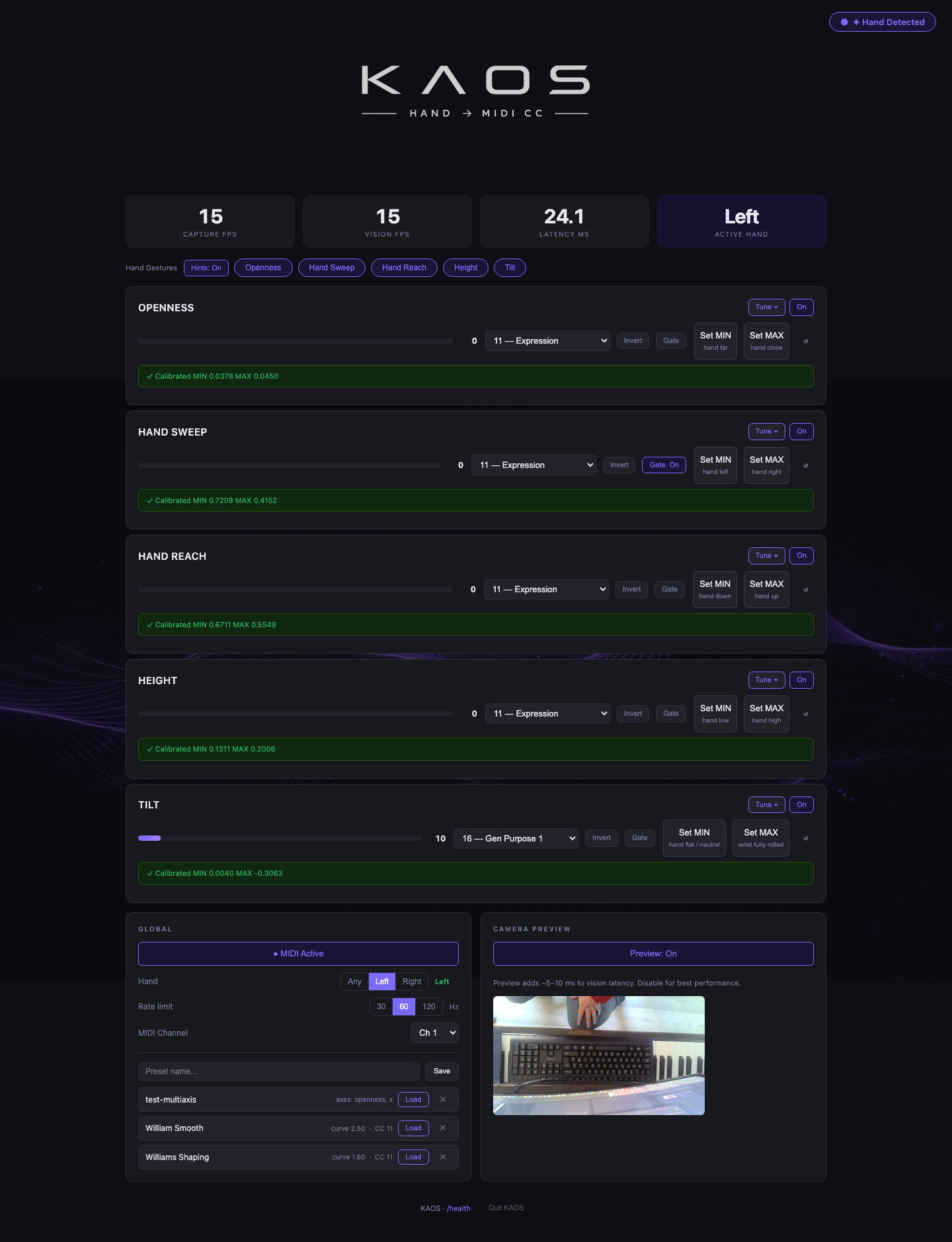
Raise your hand. Move the filter.

Mount a webcam directly above your keyboard, pointing straight down at around 50cm. KAOS uses Google MediaPipe to track your hand in real time — lift your hand to increase the CC value, lower it to decrease. Works out of the box with CC11 (Expression) and CC1 (Modulation).

No gloves. No sensors. No pedals. Just your hand and a webcam.

CC11
Expression
CC1
Modulation
<20ms
Latency

From webcam to DAW — expression control in five steps

Mount Your Camera

Position a webcam directly above your keyboard, pointing straight down. Best height is ~50cm.

Hand Tracking

MediaPipe detects 21 landmarks on your hand in real time.

Height → Value

Hand height above the keyboard maps to 0–127, smoothed with a One Euro Filter.

MIDI Output

Sent as MIDI CC via macOS IAC Driver — zero driver installs.

Your DAW

Assign the CC to any knob, fader, or parameter in any DAW.

Everything in v1.0

Real-Time Hand Tracking

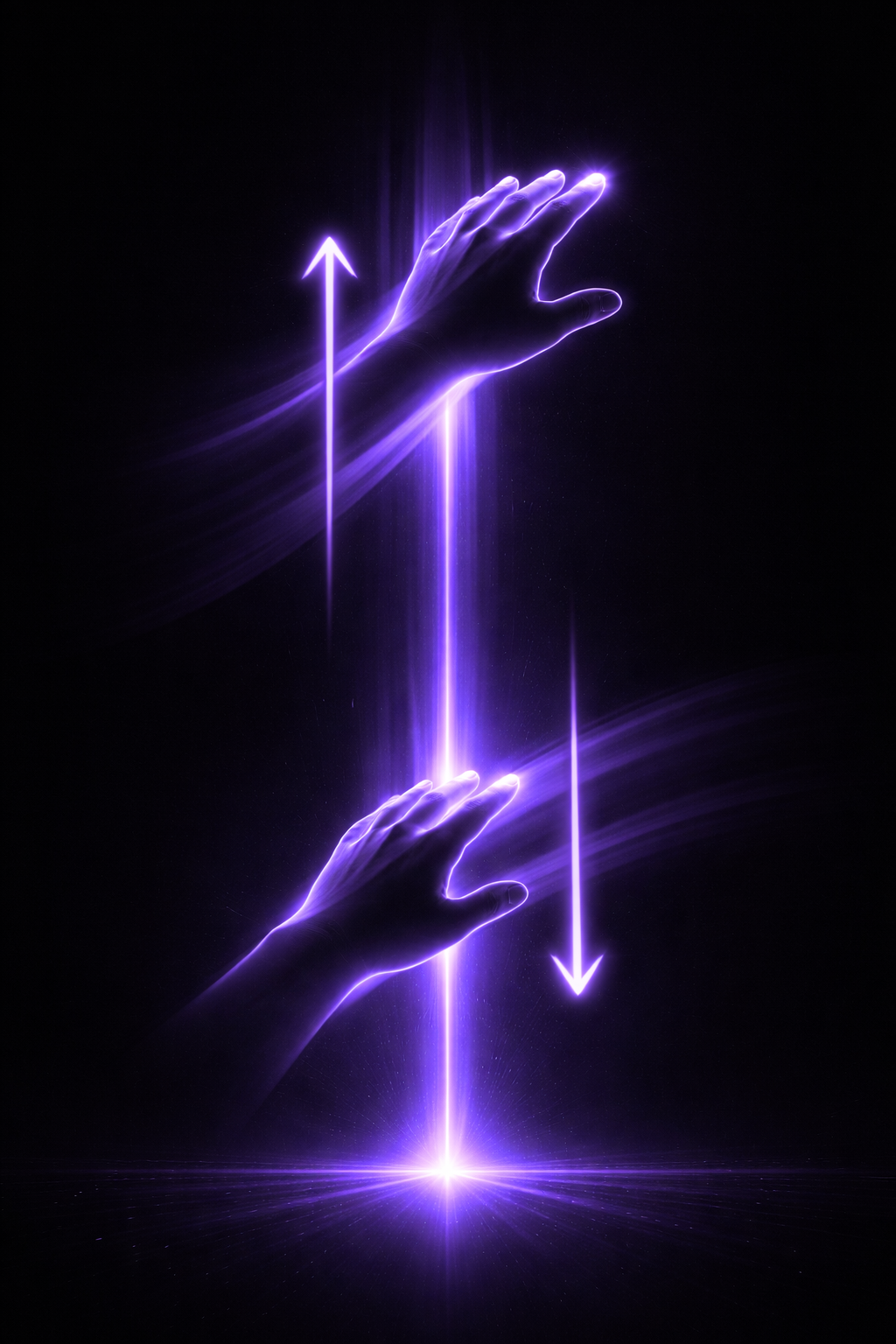
Powered by Google MediaPipe. Mount your webcam ~50cm above your keyboard pointing straight down — hand height maps directly to CC value.

One Euro Filter

Adaptive smoothing that eliminates jitter at rest and stays responsive during fast gestures. Tune smoothing and speed independently.

Full Calibration

Set MIN and MAX points to map the full 0–127 CC range for your exact hand size, camera position, and playing style.

Pitch Bend Beta

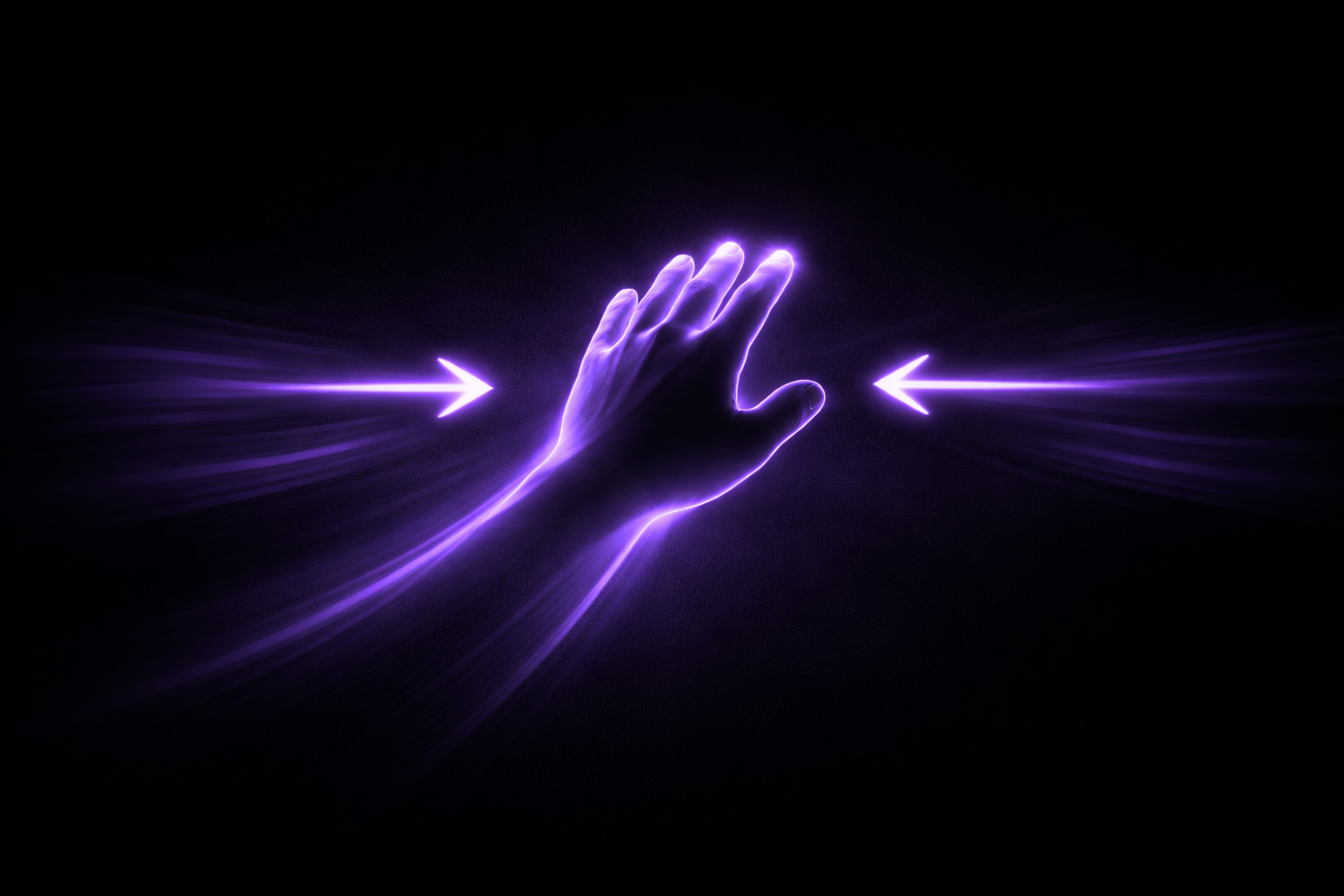
Move your hand left or right to control pitch bend simultaneously. Available in v1.0 as an early beta — enable in settings.

Musical Shaping

Apply a power curve for expression-pedal feel. Flip linear. Invert any time. Deadzone keeps it steady when idle.

Live Status Dashboard

Capture FPS, Vision FPS, latency, and current CC value update at 20 Hz in the browser. Always know what KAOS is doing.

Camera Preview

Optional live skeleton overlay streamed as MJPEG — for setup and calibration. Turn it off for lowest latency in performance.

No Hardware Required

Works with any USB or built-in webcam. Connects to any DAW via macOS IAC Driver. No MIDI interface, no dongle.

Self-Contained

Double-click to install. Python env, ML model, all dependencies — local. No cloud, no accounts, no internet after first run.

Download KAOS

Hand → MIDI CC for any DAW

Download KAOS.zip

Version 1.0 · macOS 11+ · Apple Silicon · Free

No account required
No internet after install

Installation

1

Unzip KAOS.zip

2

Right-click KAOS.command → Open (Gatekeeper, first time only)

3

Follow the setup — done in ~2 minutes

4

Open http://localhost:5050 in your browser

5

Mount your webcam directly above your keyboard, pointing straight down at ~50cm height

6

Calibrate MIN and MAX, assign CC11 (Expression) or CC1 (Modulation) in your DAW, and play

KAOS
Free · macOS · No account
Download